| Addressing Messages |
  
|
| Addressing Messages |
|
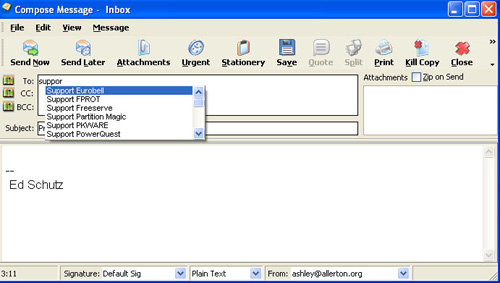
In the Compose New, Reply and Forward editors, addresses may be added to or removed from the three address fields (To: Cc: or Bcc:). This can be done manually, direct into the field, with a semi-colon (';') between each address if there is more than one. Similarly a list of aliases (separated by ';') can be added to each field.
If you have enabled autocomplete (Configuration  Set Preferences Messages Editing Autocomplete addresses) then MailCOPA will endeavour to 'guess' what you are typing and present a list of possibilities from which to choose if you wish. As you continue typing, the list of possibilities will be refined.
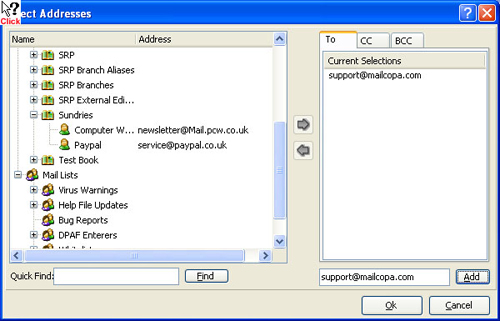
Alternatively the relevant button (To: Cc: or Bcc) can be pressed to open the Select Addresses dialog: